How to invite a teammate in IpQuery.Info
Teammates who manage keys or read statistics should sign in as themselves, not share your password. Invite them by email and choose their role; they set their own password from the invitation.
Before you start
- Owner or admin role
- A paid subscription (the trial's Account & Billing page has no team section)
Preview voice Narrated with a local preview voice; the final recording replaces it.
Transcript
Give a teammate their own sign-in to your IpQuery.Info account, with the role that fits their job.
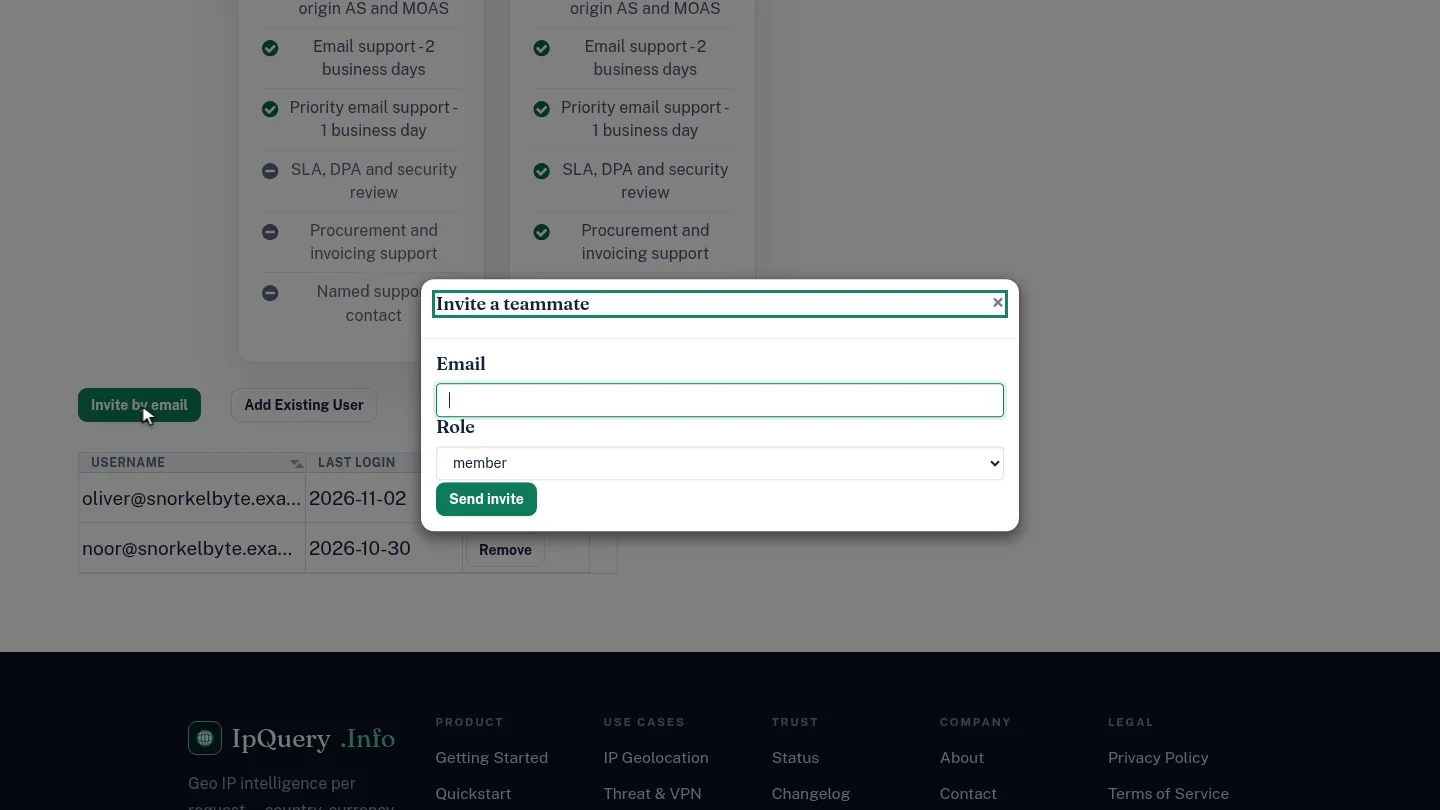
On Account and Billing, scroll to the team list and select Invite by email.
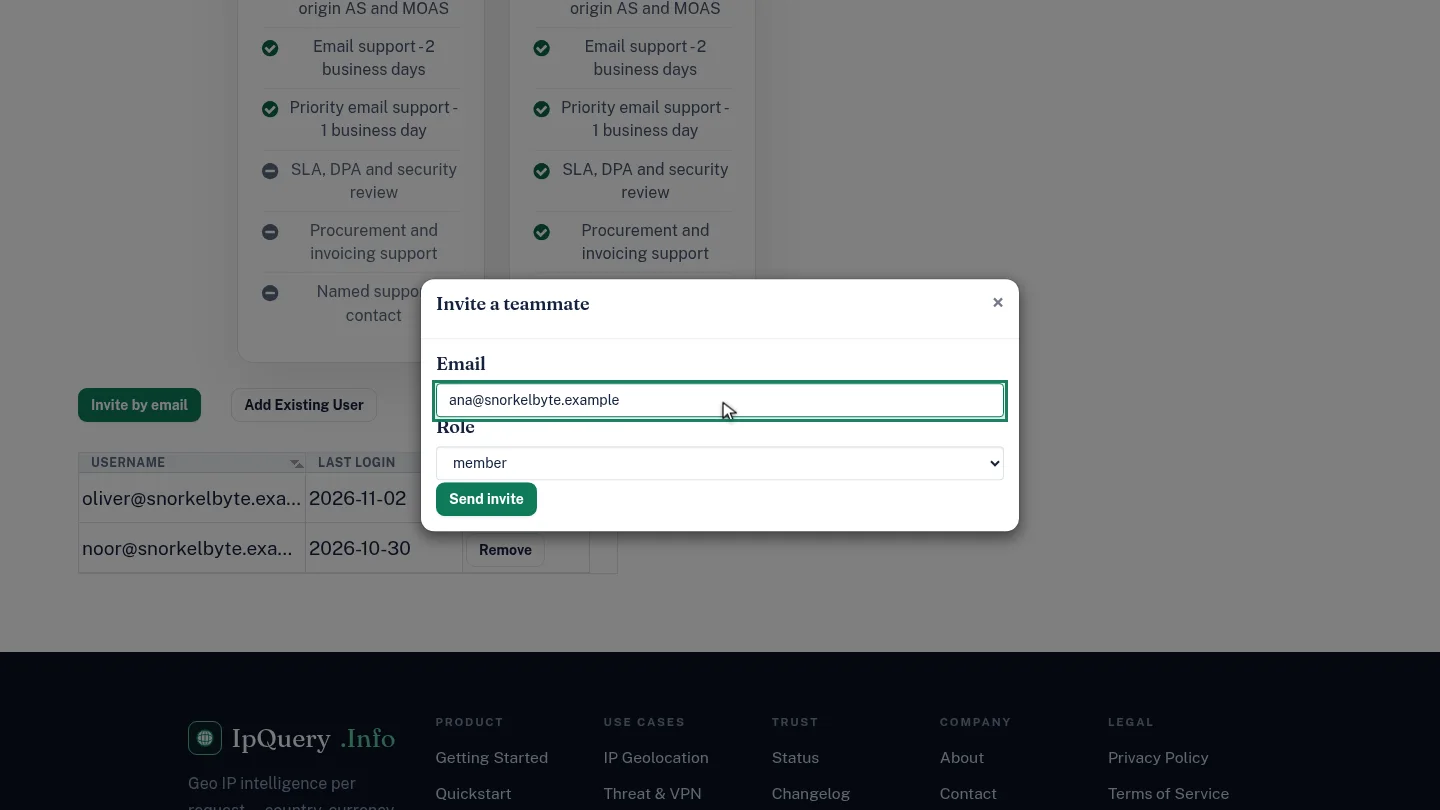
Enter your teammate's email address and choose a role. Member is the default; admins can also manage the team.
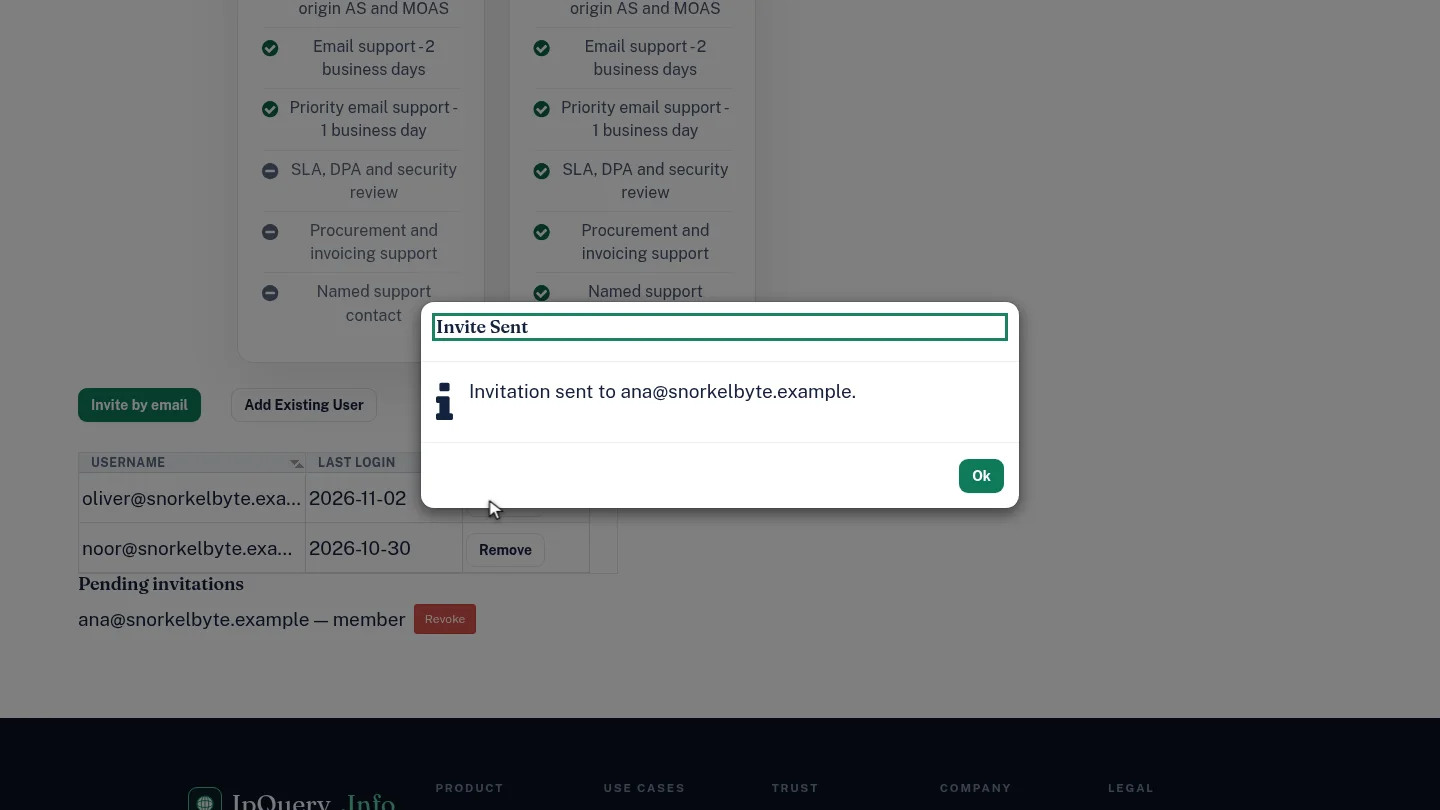
Select Send invite. A confirmation says the invitation was sent, and it appears under Pending invitations until it's accepted. You can revoke it there if plans change.
Steps
Start the invitation ▶ 0:08
In Account & Billing, select Invite by email.
Enter the email and role ▶ 0:14
Enter the teammate's Email and choose a Role: member (the default), admin or, if you're the owner, owner.
Send it ▶ 0:22
Select Send invite. Invite Sent confirms it, and the invitation appears under Pending invitations, where Revoke cancels it.
Next steps
Updated 2026-10-26
add user team member invite user user roles